


Internet connectivity now underpins almost every part of a business – phones, cloud platforms, payments, CCTV, remote working and customer communication all depend on it. Yet many organisations still treat their connection like a simple utility: installed once and forgotten about.
The problem is, when it stops, the business often stops with it.
Resilience no longer requires expensive enterprise infrastructure. With the right design, even smaller businesses can significantly reduce disruption, often using technology they already have.
Why Internet Downtime Is a Bigger Risk Than Most Businesses Realise
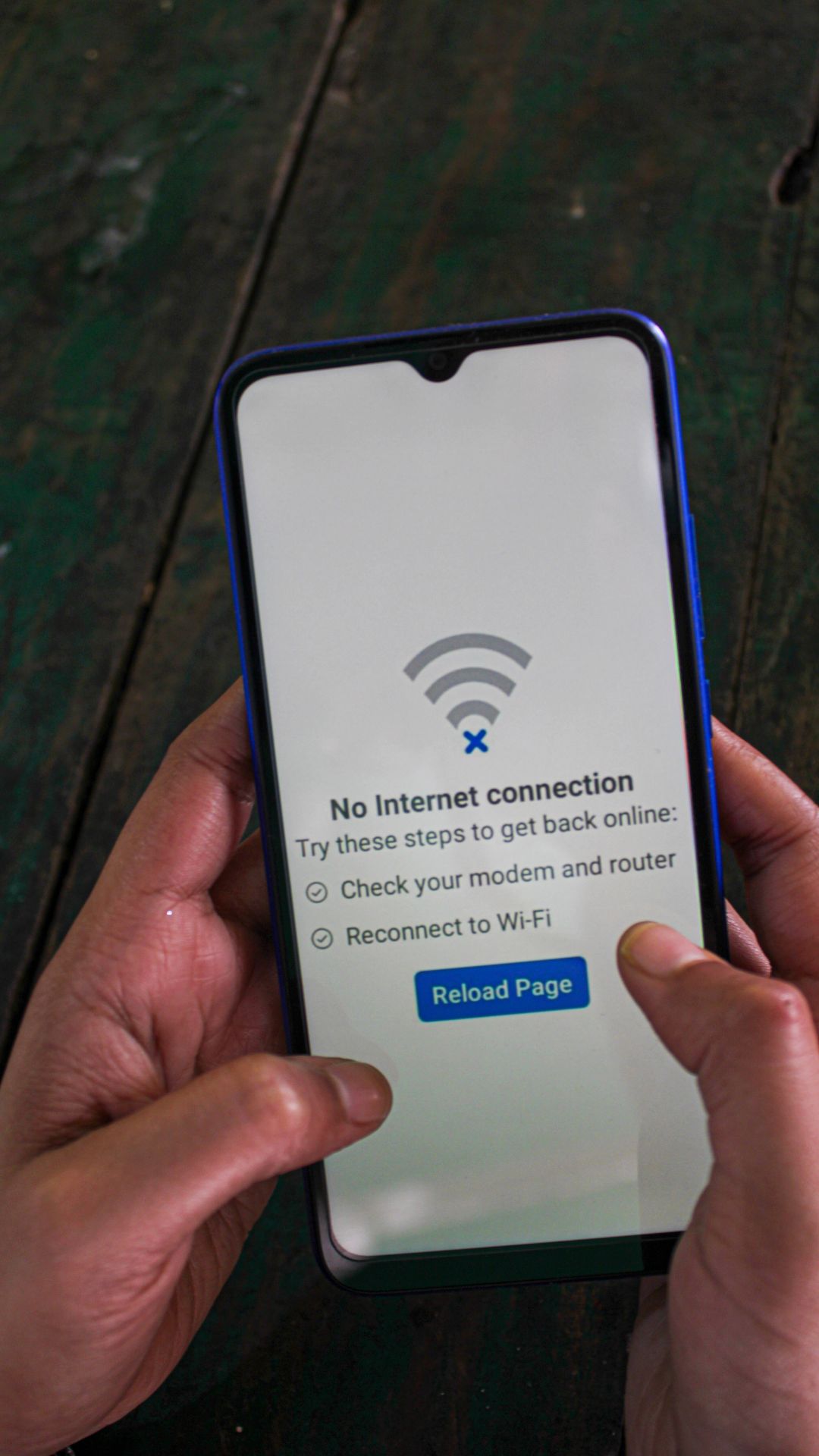
When most people think of an internet outage, they picture staff unable to browse websites or send email. In reality, the impact is much wider. Modern phone systems rely on connectivity, card payments require it, and most cloud software becomes instantly inaccessible.
The bigger issue is that everything fails at the same time. Calls stop arriving, staff can’t access systems, customers can’t place orders and remote workers are cut off. Businesses quickly discover that the internet connection isn’t just part of the operation – it is the operation.
What Causes Internet Downtime in UK Businesses
Major fibre breaks do happen, but they are not the most common cause of outages. Far more frequently, downtime comes from routine faults such as cabinet failures, maintenance work, local power cuts or router hardware issues.
Sometimes the connection itself is working perfectly, but a single piece of on-site equipment has failed. In other cases, both the primary and backup lines rely on the same underlying network without the business realising it.
The key point is simple: most businesses only have one true path to the internet. When that path fails, everything goes offline.

What ‘Resilient Internet’ Actually Means
Resilience doesn’t mean a connection will never go down. Every network experiences faults at some point. True resilience means the business keeps functioning when it does.
A resilient setup detects the failure automatically, switches to another route and continues operating. Staff shouldn’t need to report a problem or connect hotspots, ideally, they won’t even notice anything happened.
The Real Cost of Downtime for SMEs
The financial impact of downtime is rarely limited to lost productivity. Missed inbound calls, failed transactions and delayed work all add up quickly, but the reputational damage often hurts more.
From a customer’s perspective, the business simply appears unavailable. They don’t differentiate between a provider outage and a company issue; they just move on.

Simple Ways to Improve Internet Resilience Without Big Spend
Improving resilience is usually about design rather than expensive circuits. A business-grade router, proper network configuration and automatic failover capability can make a significant difference before any additional lines are installed.
Separating Wi-Fi from core network equipment, monitoring connections and ensuring phones receive priority traffic can all prevent small issues becoming major outages. Many businesses already have the building blocks in place; they just aren’t configured to protect operations.
Use this checklist of small changes that deliver big improvements:
- Use a business-grade router (not standard ISP hardware)
- Separate Wi-Fi and core network equipment
- Prioritise telephony traffic
- Enable automatic failover capability
- Add secondary connectivity
- Monitor the connection proactively
- Remove single points of failure within the network
Backup Connectivity: Your Safety Net When the Main Line Fails
Backup connectivity provides a second route to the internet when the primary connection drops. The important distinction is automation. A true backup does not rely on someone noticing a fault and manually tethering a phone – the network switches over by itself within seconds.
Most staff will simply continue working, often unaware anything changed.
Failover Connections Explained in Plain English
A failover router constantly checks whether it can still reach the internet. If that test fails, it immediately activates an alternative connection and sends traffic through it. Once the original service is restored, it quietly switches back.
In practice, this behaves like a diversion road during a closure. Traffic keeps moving, just along a different route.
Broadband, Leased Lines and Mobile Backup: How They Work Together
The most effective resilience comes from combining different technologies rather than duplicating the same service. A fibre connection might be fast and reliable, but a street cabinet issue can still take it offline. A mobile connection uses completely different infrastructure, so it is unaffected by the same fault.
By layering these together — for example fibre as primary and 4G or 5G as backup – the chances of both failing at the same time become extremely small. This approach provides high availability without doubling connectivity costs.
When SD-WAN Makes Sense for Resilience
SD-WAN adds intelligence to connectivity. Instead of simply switching to a backup line when the primary fails, it can actively monitor performance and move sensitive traffic away from unstable links.
This becomes particularly useful for businesses with multiple sites, heavy cloud usage or a reliance on internet telephony. Calls can be steered onto the cleanest connection automatically, maintaining call quality even during network issues.

How to Prioritise Critical Traffic During an Outage
Not all internet traffic is equally important. During a failover event, bandwidth is usually lower, particularly if running temporarily on mobile connectivity.
By prioritising key services such as telephony and payment systems, a business can remain operational while less critical activities slow down. Without this configuration, background traffic can unintentionally consume capacity and cause phones to fail even though the backup connection is working correctly.
Common Mistakes Businesses Make With Backup Connectivity
Many organisations believe they have resilience because a secondary connection exists, but it often requires manual intervention or isn’t configured properly. Others install backup connectivity without considering data limits, performance requirements or whether both services share the same infrastructure.
The result is a solution that appears robust on paper but fails during a real outage — usually discovered when customers report they can’t get through.
How to Build a Resilient Internet Setup That Fits Your Budget
A practical resilience plan follows three steps:
Step 1 – Identify what must stay online/remain operational
Typically phones, payments, booking systems, remote access and core business systems.
Step 2 – Choose the right secondary connection
Usually mobile data is the most cost-effective and is independent from fixed lines.
Step 3 – Implement intelligent routing
Ensuring automatic failover and prioritisation of critical services.
For most SMEs, the goal isn’t zero downtime – it’s zero disruption.
With the right combination of connectivity, telephony, and mobile backup, you can maintain operations even when the primary line fails, without paying enterprise-level prices.
If you want your business to continue to function when the unexpected happens, why not contact our team to discuss your options?